Rewrite, in place
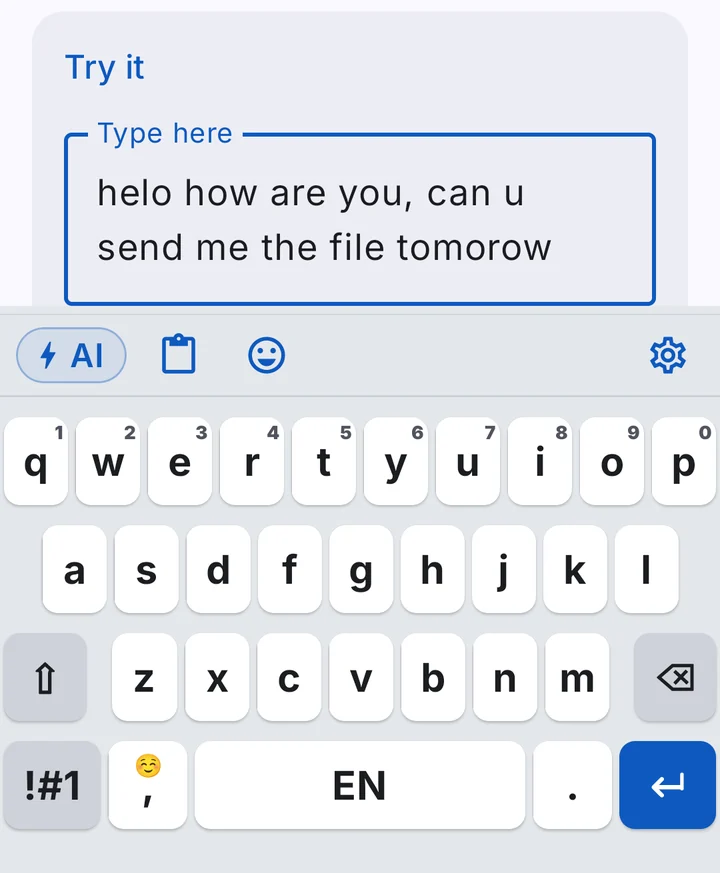
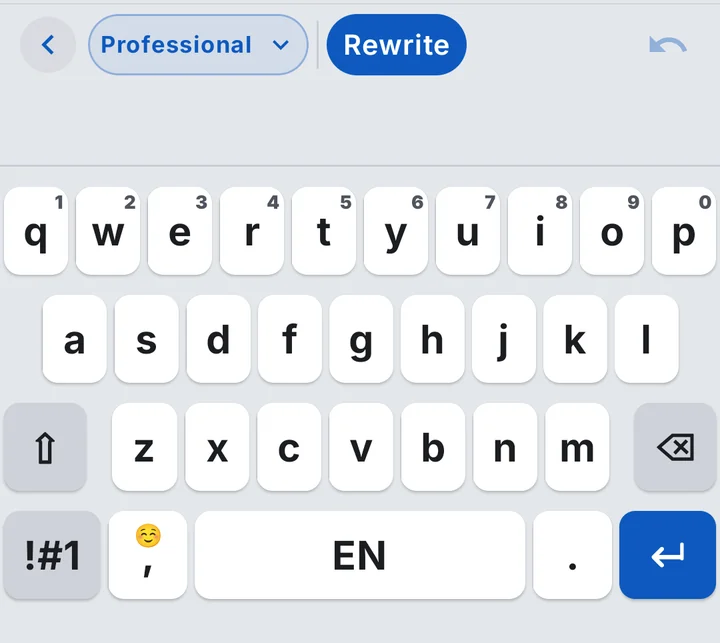
Tap the AI key, pick a mode — Fix Grammar, Concise, Professional, Friendly, Polite, Formal, Casual, Assertive — and what you wrote is replaced where it is. Undo if you liked yours better.
Android keyboard
Typesmith is a keyboard with AI rewriting one key away: fix the grammar, make it shorter, change the tone, translate, or ask a question — in WhatsApp, Gmail, anywhere you type.
On Google Play for Android. Free, and the AI works the moment you install.
Three steps
Three drawings, then two minutes on video with a voice over each step.
In WhatsApp, Gmail, notes: anywhere there is a text field.
It sits above the keys, one tap away.
Your text is replaced where it is. Undo if you liked yours better.
The player comes from YouTube when you scroll to it and keeps nothing in your browser until you press play. If it doesn't show, watch it on YouTube. It was recorded before Typesmith AI: adding an API key, which it shows, is now optional.
The guide shows all of it in motion: the AI key, your API key, modes of your own, the models and the typing settings, with the questions people ask.
Before and after
Beforehelo how are you, can u send me the file tomorow
AfterHello, how are you? Can you send me the file tomorrow?
BeforeI just wanted to reach out and let you know that I will probably be running a little bit late to the meeting today.
AfterI'll be a little late to today's meeting.
Beforehey, need that report asap, where is it??
AfterHi, could you send me the report as soon as you can? Thank you.
BeforeSee you tomorrow at five.
Afterکل پانچ بجے ملتے ہیں۔
Examples. The exact wording depends on the AI model you use.
Features
Tap the AI key, pick a mode — Fix Grammar, Concise, Professional, Friendly, Polite, Formal, Casual, Assertive — and what you wrote is replaced where it is. Undo if you liked yours better.
A question, a draft, a summary of something you pasted — answered in the keyboard and typed into the field for you.
Write the instruction once — “translate to Urdu”, “make it sound like me” — and it becomes a mode on the panel, beside the built-in ones.
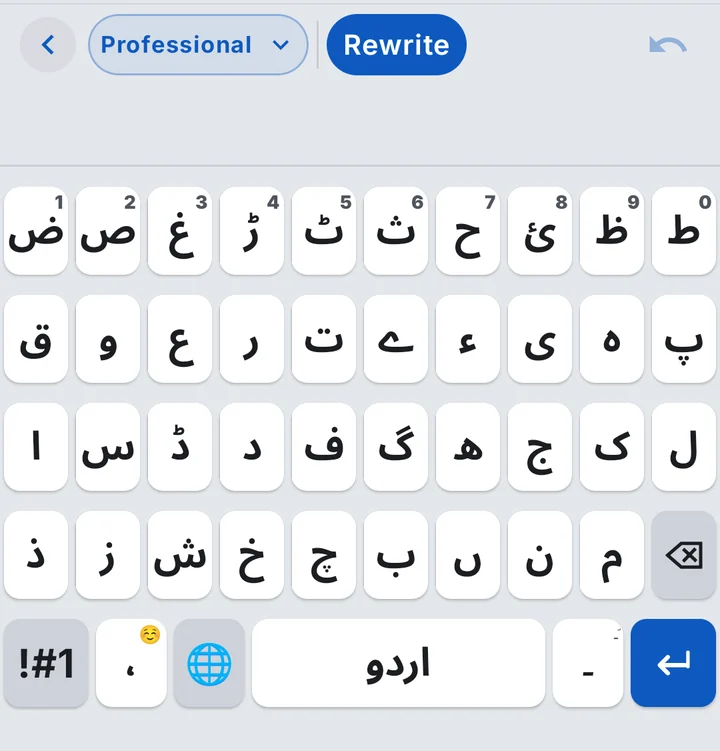
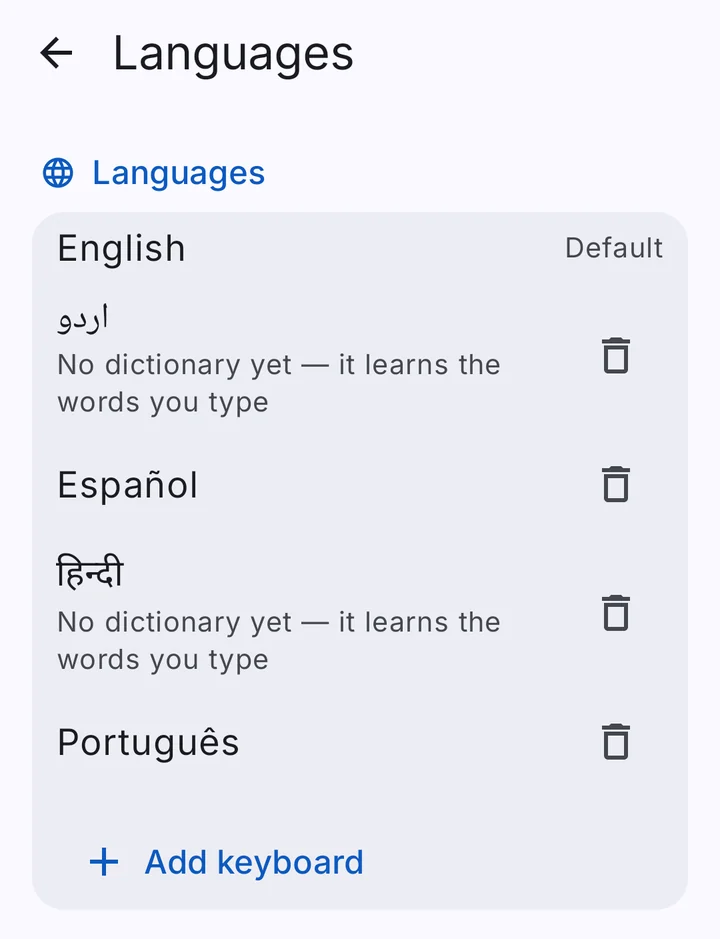
Each with the layout its writers expect. Switch with the globe key or by holding space.
Names, slang, the words your language's dictionary lacks: type one twice and it's in the suggestions from then on. Remove any of them in Settings.
Autocorrect that learns your typos, a number row, clipboard history, emoji search, a cursor you move by sliding on the space bar, light and dark themes.
Screenshots
Privacy
Everything you type is handled on the device: the suggestions, the autocorrect, the words it learns, your clipboard. None of it is sent to us, and we run no analytics in the app.
Only when you use an AI feature is text sent out — the text you selected or the question you asked, nothing else — and it goes to an AI service to be rewritten. With your own key, that is the provider you chose, directly. With Typesmith AI, it goes through our server, which forwards it to the model and keeps none of it.
The privacy policy says all of this in full, including what Android's own backup of your phone can hold.
Plans
For people who already have a key, or want to choose the model.
For everyone else. A subscription with no ads is coming.
The keyboard itself — every language, the suggestions, the learning — is free on both.